Latest Build
See it running
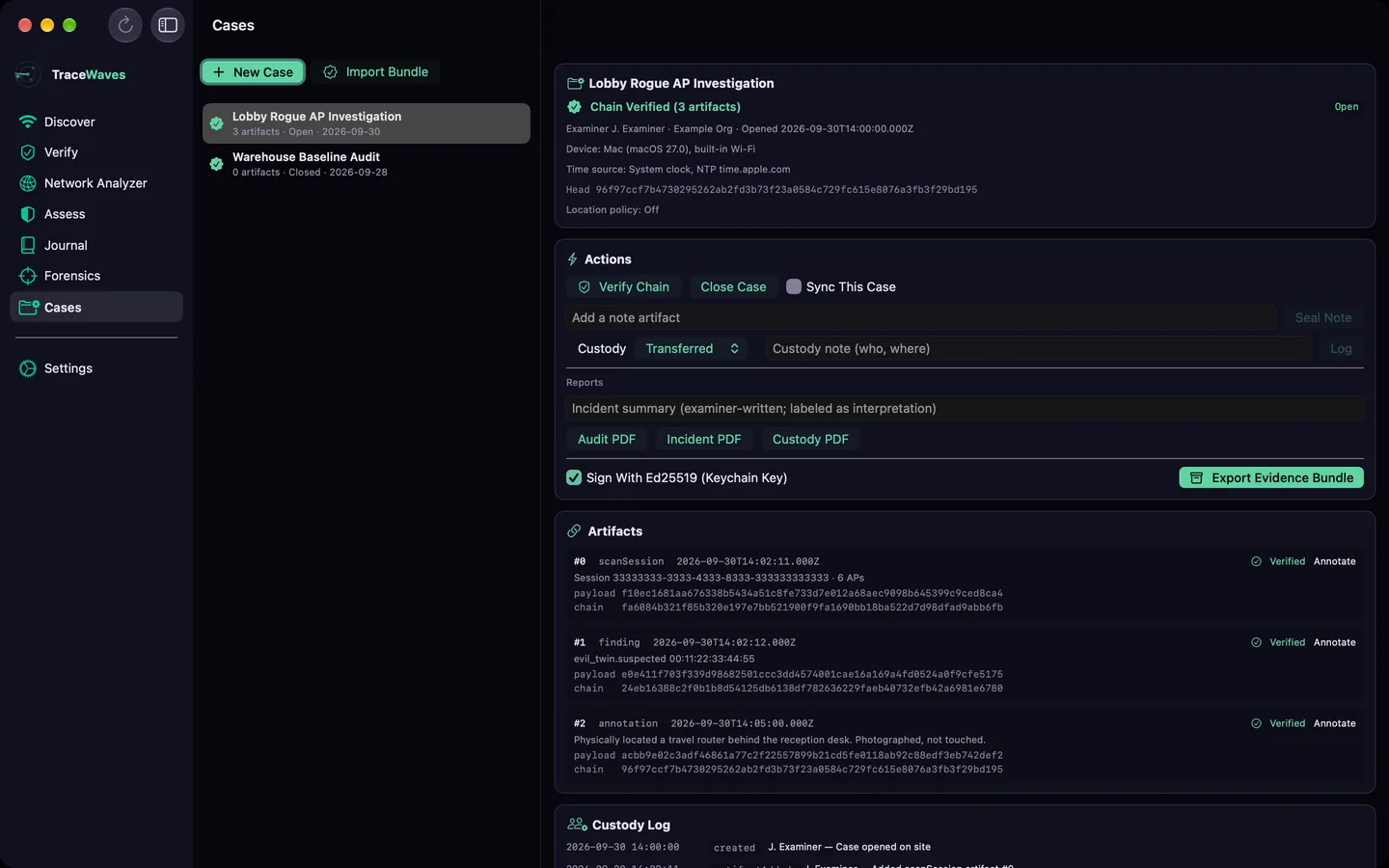
Version 1.0.0 as it stands in testing on October 11, 2026. Every screen below shows sample data, not a real site.
Passive wireless security analysis and documentation for security engineers, network auditors and anyone responsible for a network. In the browser today, with apps for iPhone, iPad, Mac, Android and Windows in testing.
A complete workflow from passive discovery through tamper-evident documentation — every step designed for the field.
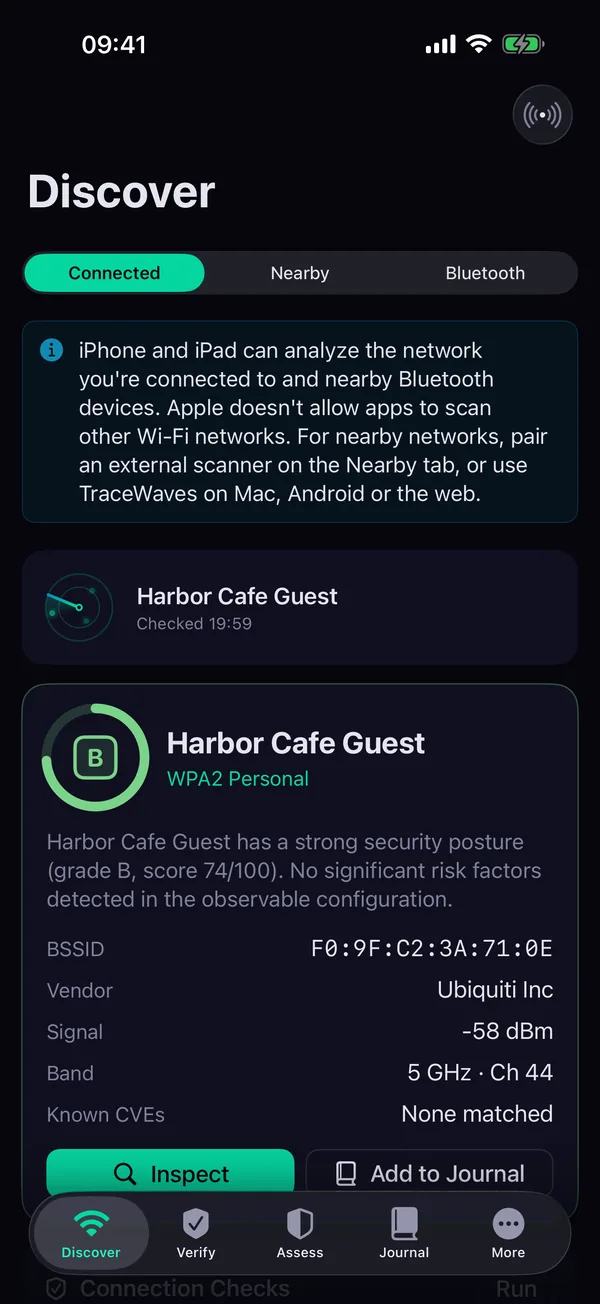
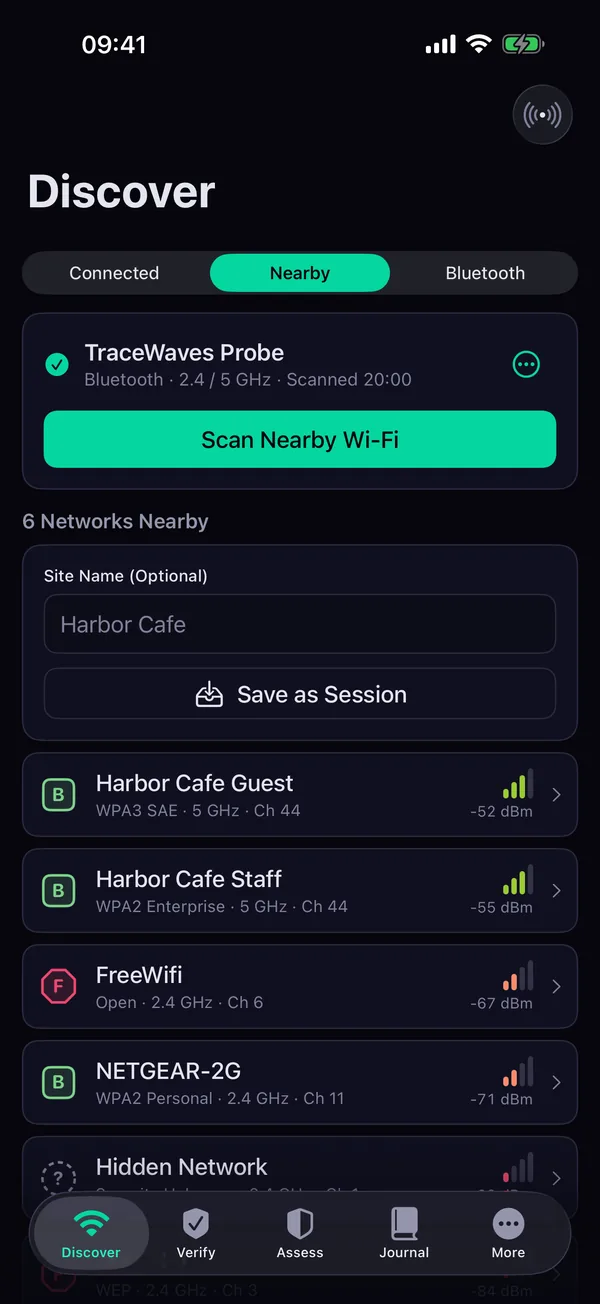
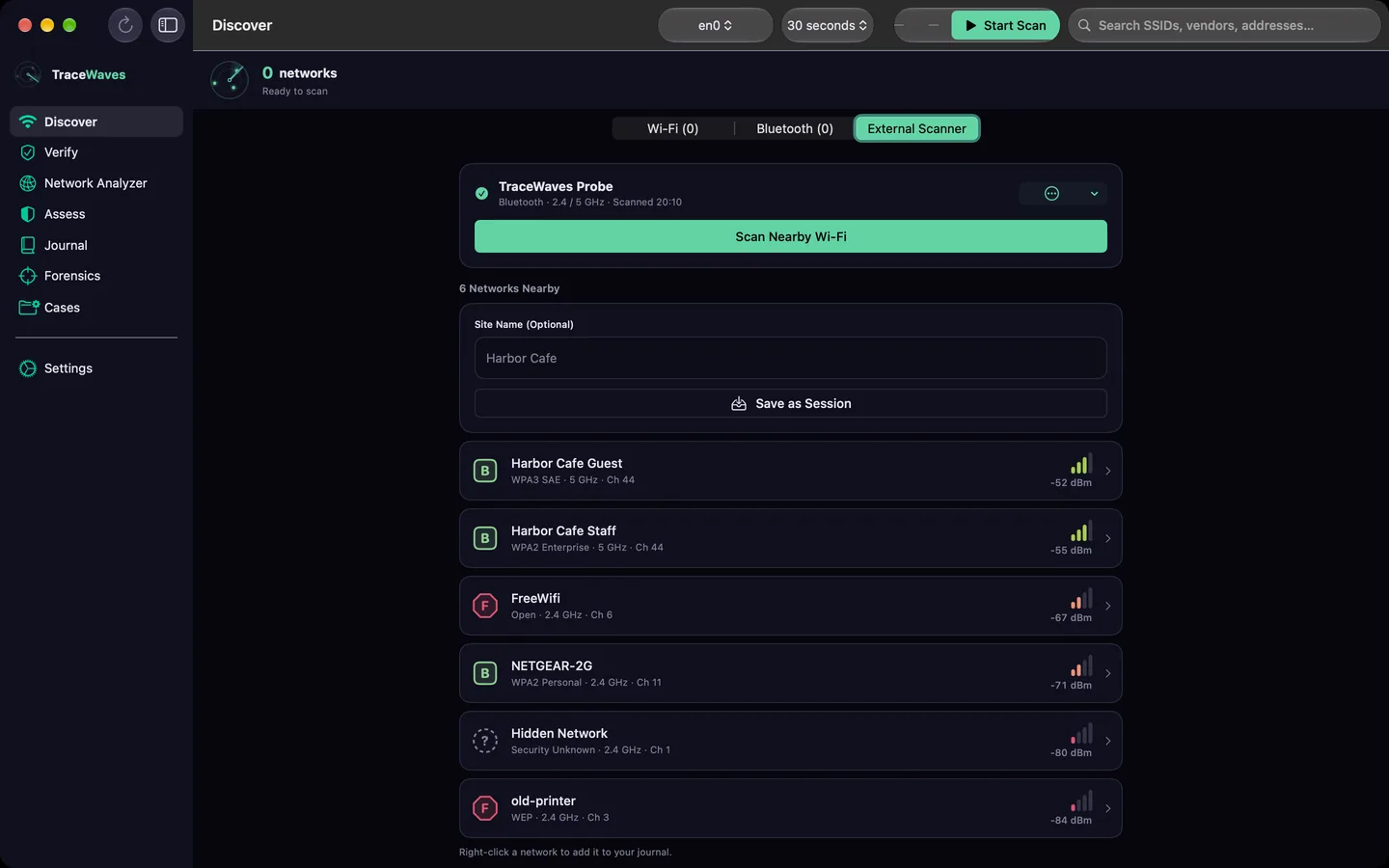
See every Wi-Fi network in range with signal, security, vendor and an A–F risk grade. The browser uses a tiny local agent or an imported scan; the Mac, Android and Windows apps scan directly. Bluetooth LE too.
Drill into any access point: security configuration, vendor, risk flags and the reasoning behind its grade.
Check the connection you're on: server reachability, API health and round-trip time, with no third-party test sites. The native apps add DHCP, DNS and captive portal checks.
In the native apps: interfaces, addressing, DNS and the services devices advertise on the network you're connected to.
Risk scoring backed by daily NVD CVE data and the CISA Known Exploited Vulnerabilities list. Open, WEP and actively exploited findings can't hide behind a good average.
Tamper-evident field records: GPS-tagged and filterable by tag and severity, each with a server-verified SHA-256 observation hash. Syncs across your devices.
Track how a site changes over time, keep your work in step on every device, and stay strictly passive while you do it.
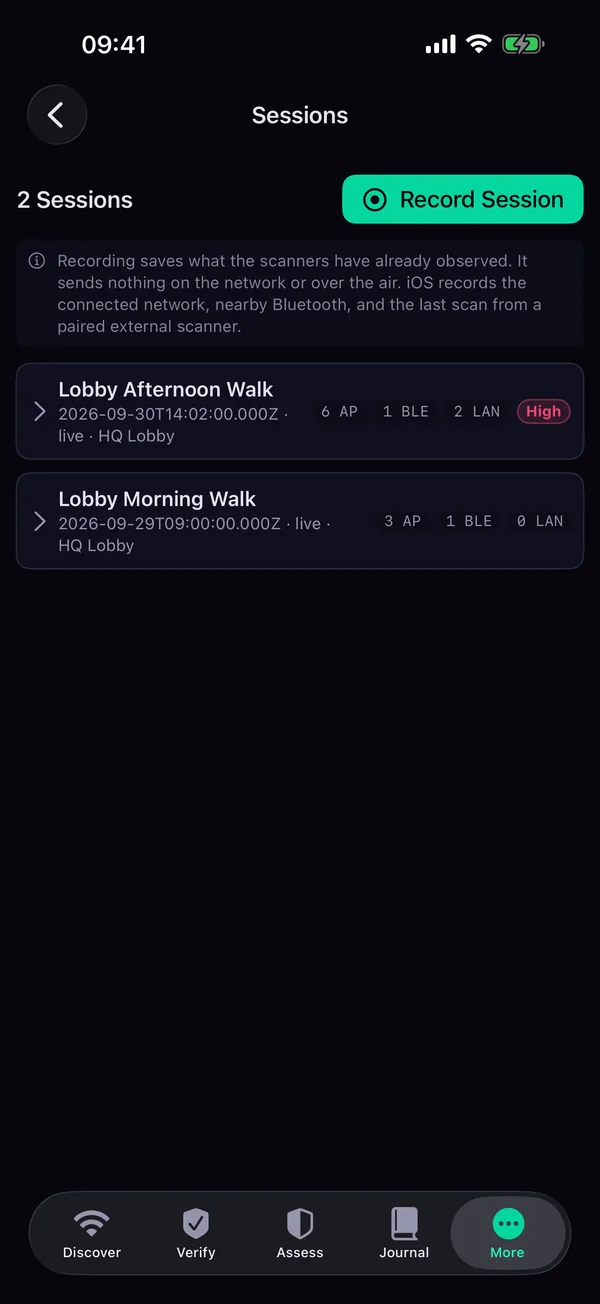
Record scan sessions, save a baseline and compare against it. A timeline of findings, your own alert rules, and case bundles sealed with SHA-256 hashes and a digital signature.
Everything works signed out and offline. Sign in and your journal, sessions, baselines, findings, alert rules and settings follow you. Cases sync only when you turn it on for that case.
Sign in with Google, Apple, Microsoft or GitHub, a passkey, or a link sent to your email. Methods that prove the same email address open the same account. No password to keep.
iPhone and iPad can only see the network they're on. Pair an external scanner, such as a laptop or Raspberry Pi running the TraceWaves scanner program, to list nearby networks and save them as a session. Every other app can use one too, as a second radio.
TraceWaves lists what's on the air. It never joins a network to test it, captures traffic or cracks anything. No ads, no analytics, no tracking, and scans stay on your device unless you sync.
Radar, Night Vision, Prism and Daylight, plus Color-Blind Safe and High Contrast, so the screen suits a dark server room or direct sun.
Three steps. One tool. Every finding documented with cryptographic integrity before you leave the site.
Arrive on site and scan. Every Wi-Fi network in range is listed in seconds, along with nearby Bluetooth LE devices.
Automatic risk grades, vendor identification and CVE context. Every finding is ranked and explained.
One tap to create a GPS-tagged, SHA-256 hashed journal entry. It works offline and syncs when you're back online.
Version 1.0.0 as it stands in testing on October 11, 2026. Every screen below shows sample data, not a real site.
Works offline in any modern browser. Sign in to sync your work between devices.
→ Web app available now · iPhone, iPad, Mac, Android and Windows apps in testing, not yet in the app stores · Getting Started guide
Phones and browsers limit what an app may see. Apple lets an iPhone or iPad app read only the network it's connected to, so listing nearby networks there needs an external scanner. Everything is passive on every platform.
| Capability | Web | iPhone and iPad | Mac | Android | Windows |
|---|---|---|---|---|---|
| List Nearby Wi-Fi | With the local agent or an imported scan | With an external scanner | Yes | Yes | Yes |
| Connected Network Details | No | Yes | Yes | Yes | Yes |
| Bluetooth LE Devices | Chrome and Edge, one at a time | Yes | Yes | Yes | Yes |
| External Scanner | Bluetooth (Chrome, Edge) | Bluetooth or network | Bluetooth or network | Bluetooth or network | Network |
| Plugged-In Wi-Fi Adapter | Through the local agent | No | Adapters macOS supports | No | Yes |
| Risk Grades and CVE Matching | Yes | Yes | Yes | Yes | Yes |
| Connection Checks (Verify) | Reachability and latency | Yes | Yes | No | Yes |
| Network Analyzer | No | Yes | Yes | No | Yes |
| Channel View | No | No | Yes | Yes | Yes |
| Journal | Yes | Yes | Yes | Yes | Yes |
| Forensics and Cases | Yes | Yes | Yes | Yes | Yes |
| Sync and Sign-In | Yes | Yes | Yes | Yes | Yes |
| Availability | Now | In testing | In testing | In testing | In testing |
See what your wireless environment really looks like.